
Sharing resources is essential during a meeting, a webinar or during a session in a webinar room. Flow has a built-in tool to help you with this task.
The tool is available in the Attendee Chat box.
Uploading Files
You can upload any type of a file from your end as a host/presenter. Here's how.
- Open the chat panel

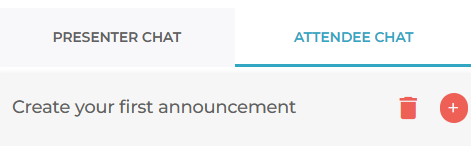
- Click "Attendee Chat"
- Scroll down and find the file upload option
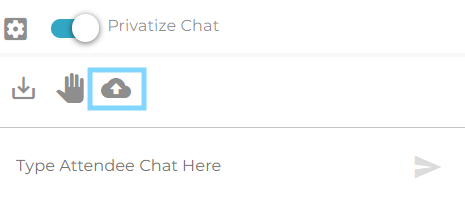
- Upload a file - as soon as it gets complete, everyone will see it. You will see the percentage if you are uploading a large file.

Attedees cannot upload files.